- wssv3sp1-kb936988-x86-fullfile-en-us.exe
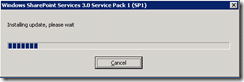
Not realy installing updates, more like unpacking…
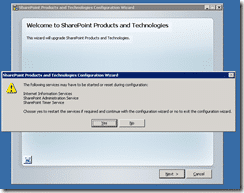
Ah, the usual fun… Good thin this is on a dev box otherwise I would need to be restarting services out of hours…or just tell my users it was a tempourary glitch 
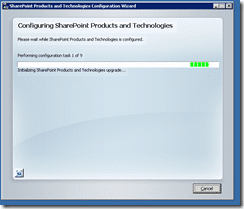
Got loads of options, but no way to change them…typical service pack build of the base installer…Not a problem with me, familiar. Makes those production guys feel at home.
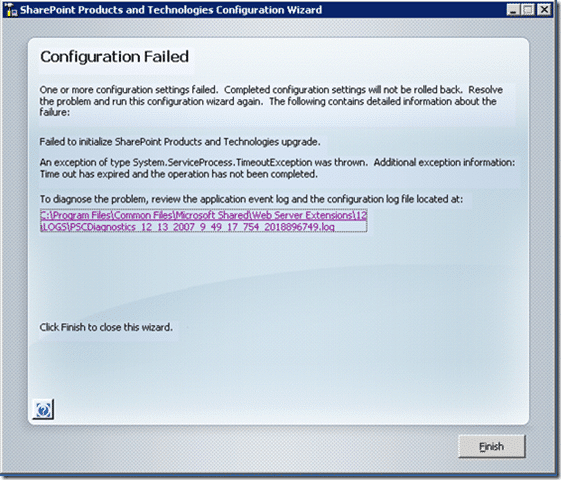
Well, first attempt failed. I will try a reboot and see if there are any pending updates or just general trash interfering. If you have ever had to read a SharePoint install log, you will know that they are next to useless. Roll on TFS install style logs for SharePoint. Hint, hint…
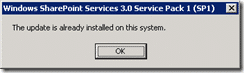
Uoh..Now this could either be really bad, or really good. I just tried to run WSS 3.0 SP1 again and I was told it was already installed…
UPDATE:
Check out this post for a solution that fixed my problems…
Technorati Tags: SP 2007 SP 2010 SharePoint


