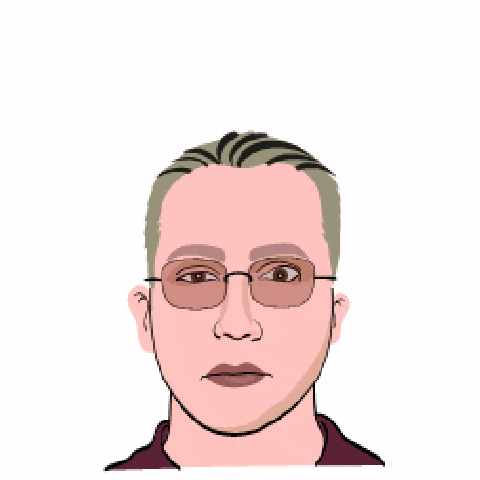
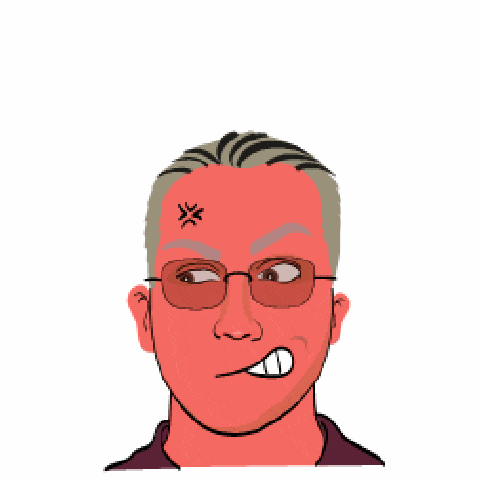
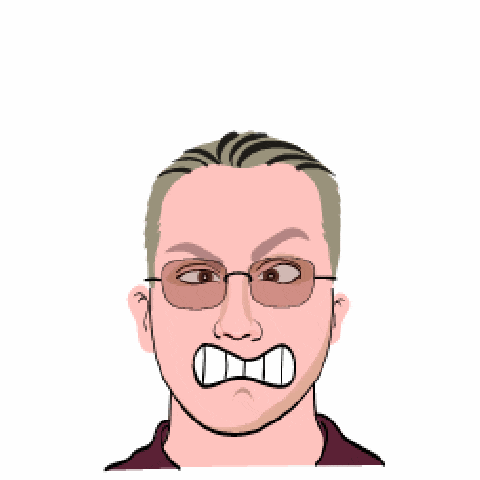
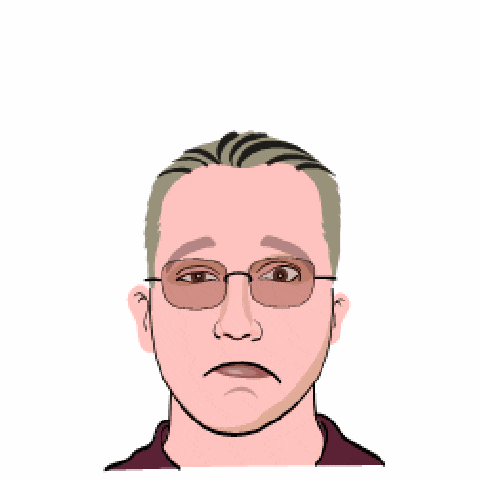
I just got a comment from Reto Winter to let me know about a post regarding a new Microsoft Avatar service on MSN China, so as I am sitting here writing some posts anyway, I will have a look. It is in the same vain as the Southparkify and Simpsonize me options that I have blogged before.
Here is how it works
First, learn Chinese…or just click buttons until it works, like me..
Click the start button

You will need to install an application called MSN Cartoons Beta (which is the middle button) and then click next (the bottom button) and install the active-x component.
The next task is to upload a picture to create the avatar from. To do this chick the folder on the right.
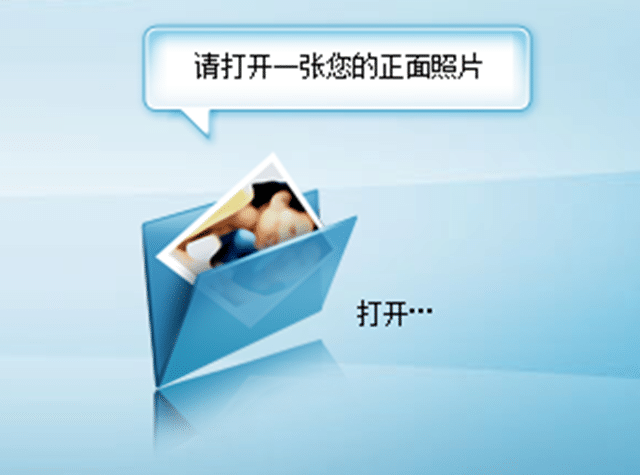
Once you have a picture uploaded, and you have highlighted your face, as you can see I am not photogenic!
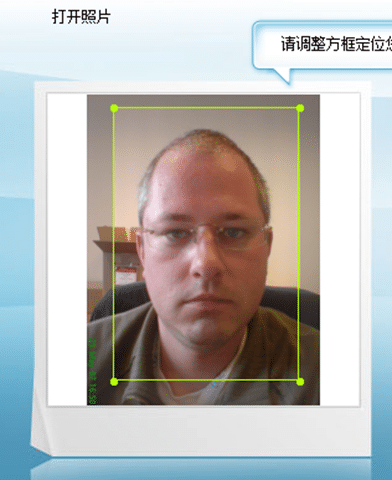
You need to click the build picture button.

You will then be presented with a “select your face type” option
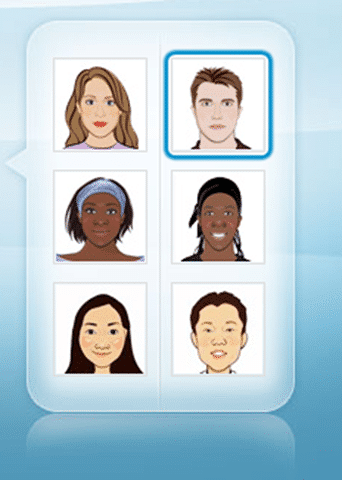
and once you have selected this you get a partial cartoon
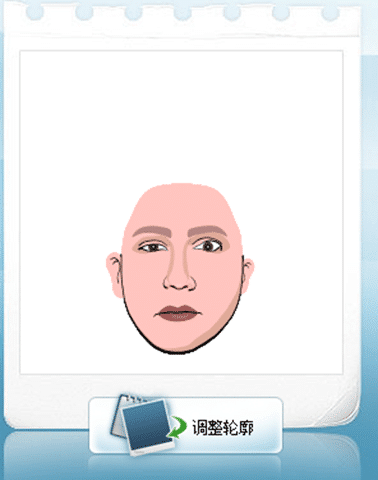
To move onto the next stage you click the next button again

You can then select your emotion, hair and glass from the options
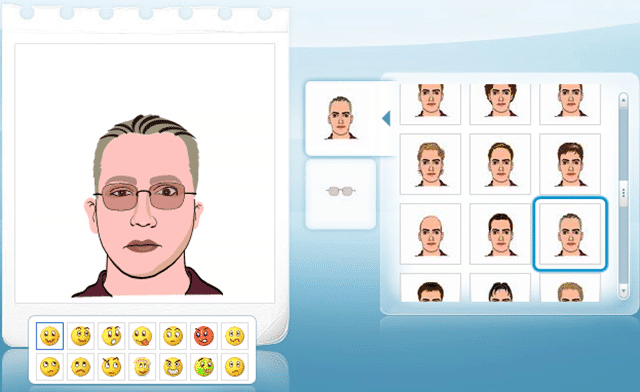
and the next button again

You can then save either in 98x98 or 252x252
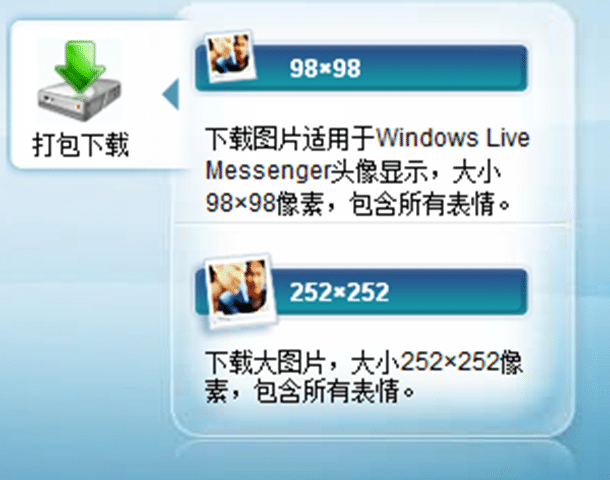
An you are done!
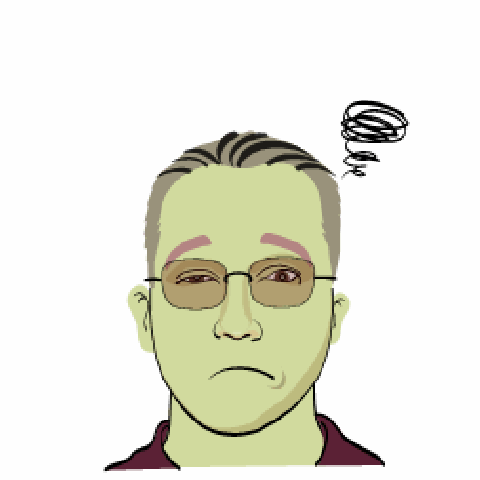
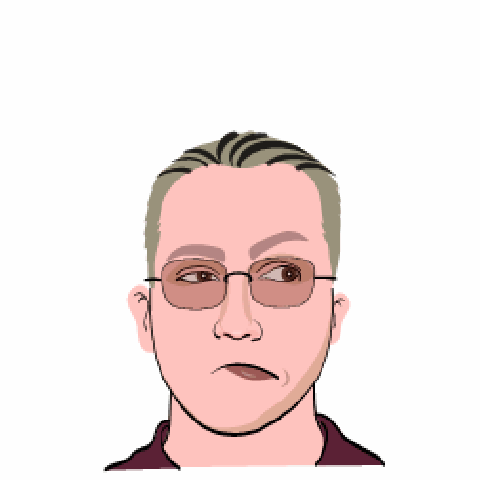
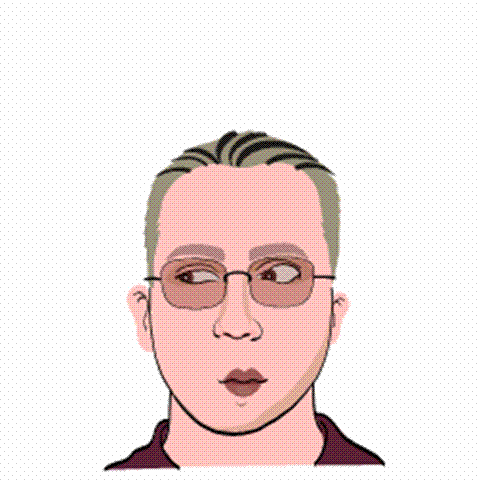
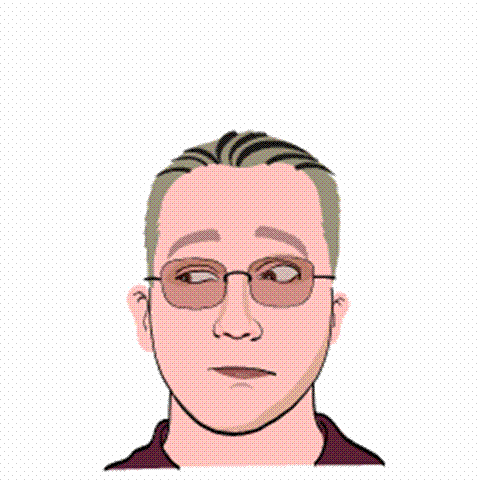
Here are my pictures, but I am not sure how much they look like me!