When you are running hyper-v you get the option to create private virtual switches to compartmentalise your network coms. if however you are using Windows 8 it may define those networks as “Public Networks” and tighten up your security so much that you cant communicate with other computers.
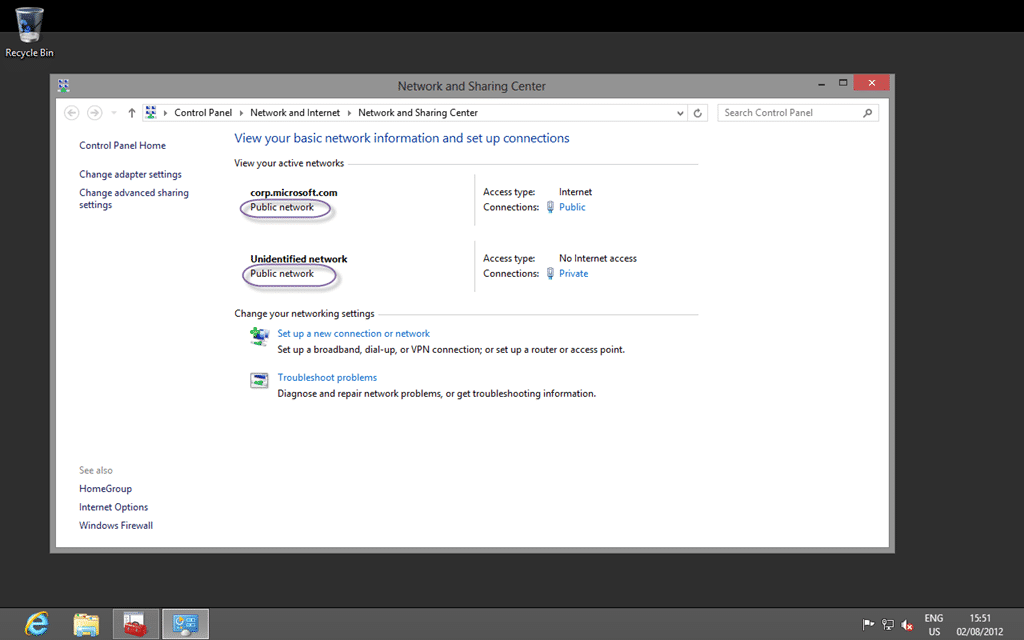
Figure: Other networks detected as Public when they are Private
Applies to
- Windows 8
Finding
If you are using Hyper-V with Windows 8 clients then you need to set a fixed IP on your clients on Private virtual switches.
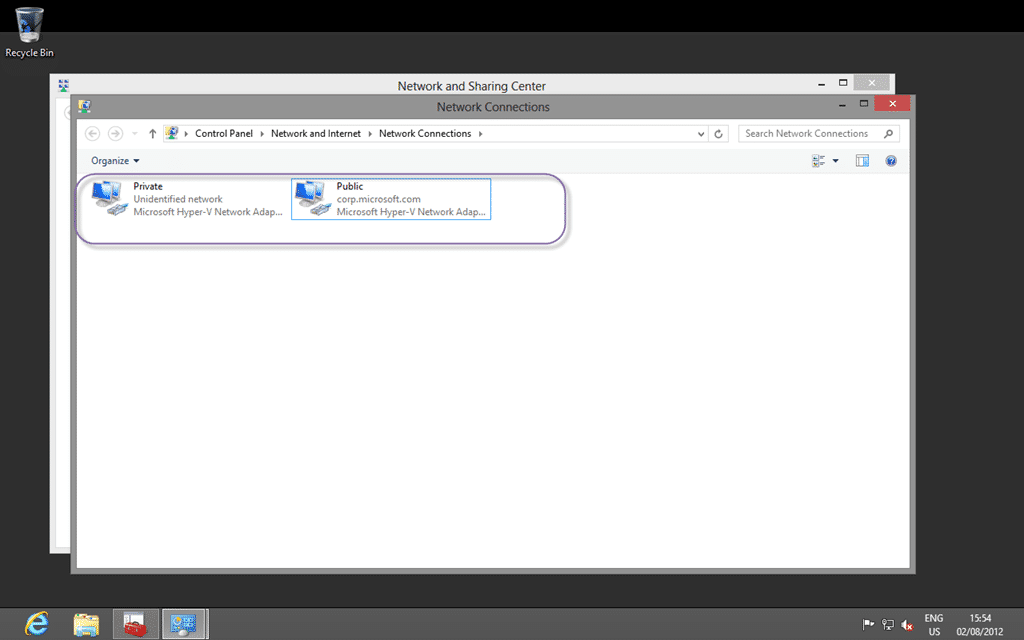
Figure: Microsoft Hyper-V Network Adapters
Windows 8 detects the Hyper-V virtual network adapters as Unknown if there is no DHCP or domain identification and classifies them as “public” without the ability to change them
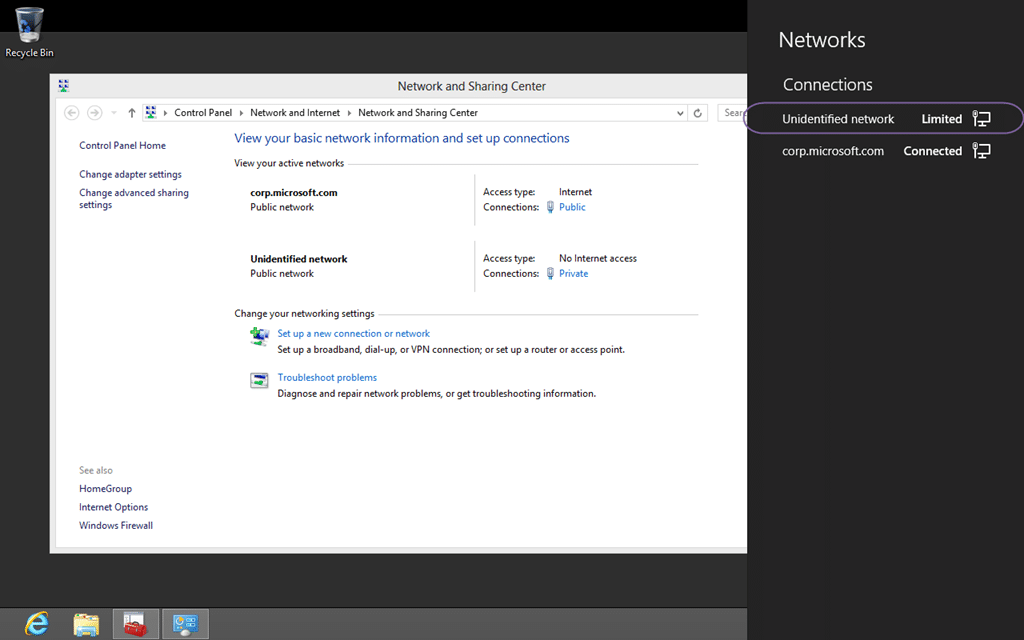
Figure: Unidentified Networks are automatically public
Workaround
Although domains should be identified correctly I want the ability to change the configuration manually if needed.
- Click “Start | run | MMC | press enter”
- In MMC console “File | Add/Remove Snap-in”
- Select Group Policy Object editor by “Add | select Local computer | OK | OK”
- Open “Computer configuration | Windows Settings | Security Settings | Network list Manager policies”
- Open “Unidentified networks”
Then you can select the option to consider the Unidentified networks as private and if user can change the
location.
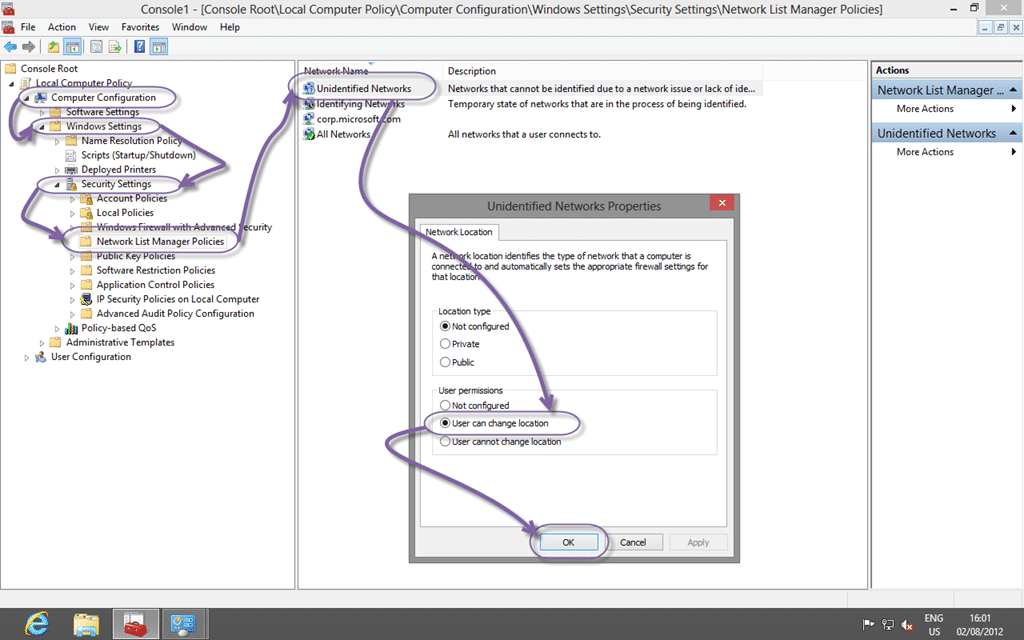
Figure: Network list Manager policies
Note: If you cant launch the “Local Computer Policy” then you are running Windows 8 and you need Windows 8 Pro to do this.
Did this help you?


